
Customers tap their phone to the NFC tag on their table to ask for assistance or the check. Your team sees it. Done.
Let's see how it works
Step 1
We set you up.
Sign up and we pair a NFC tag to every table and ship them to you.
Step 2
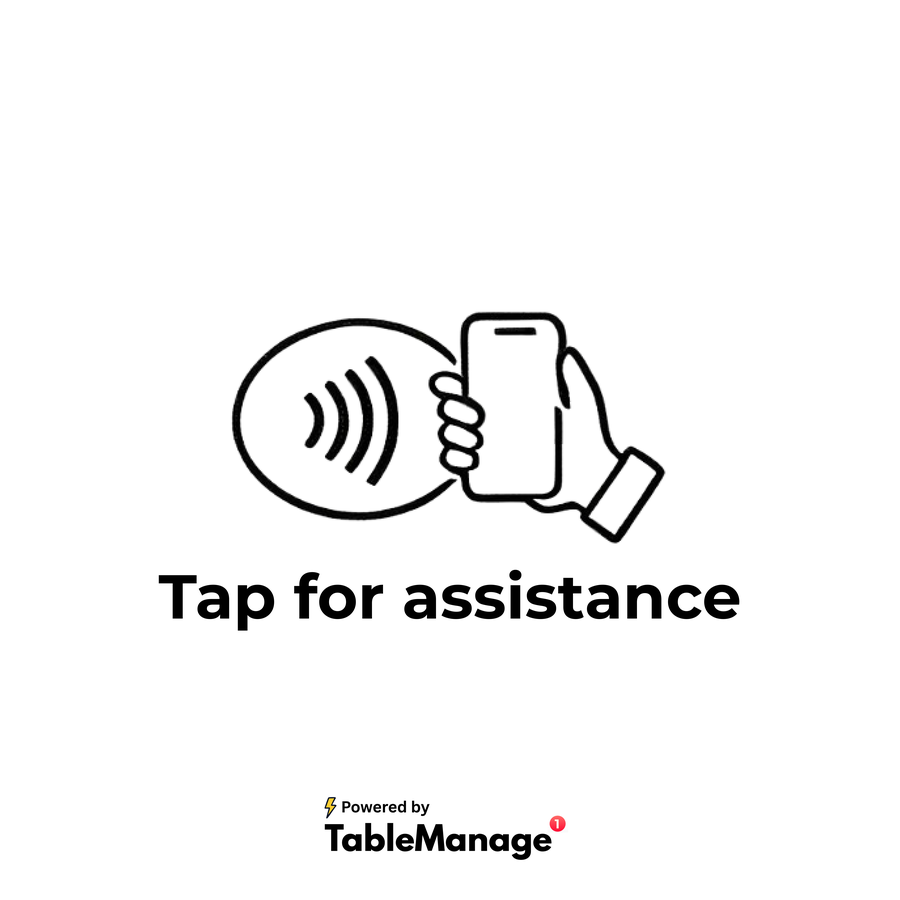
Customers tap for help.
A customer taps their phone to the NFC tag to request assistance or ask for the check.
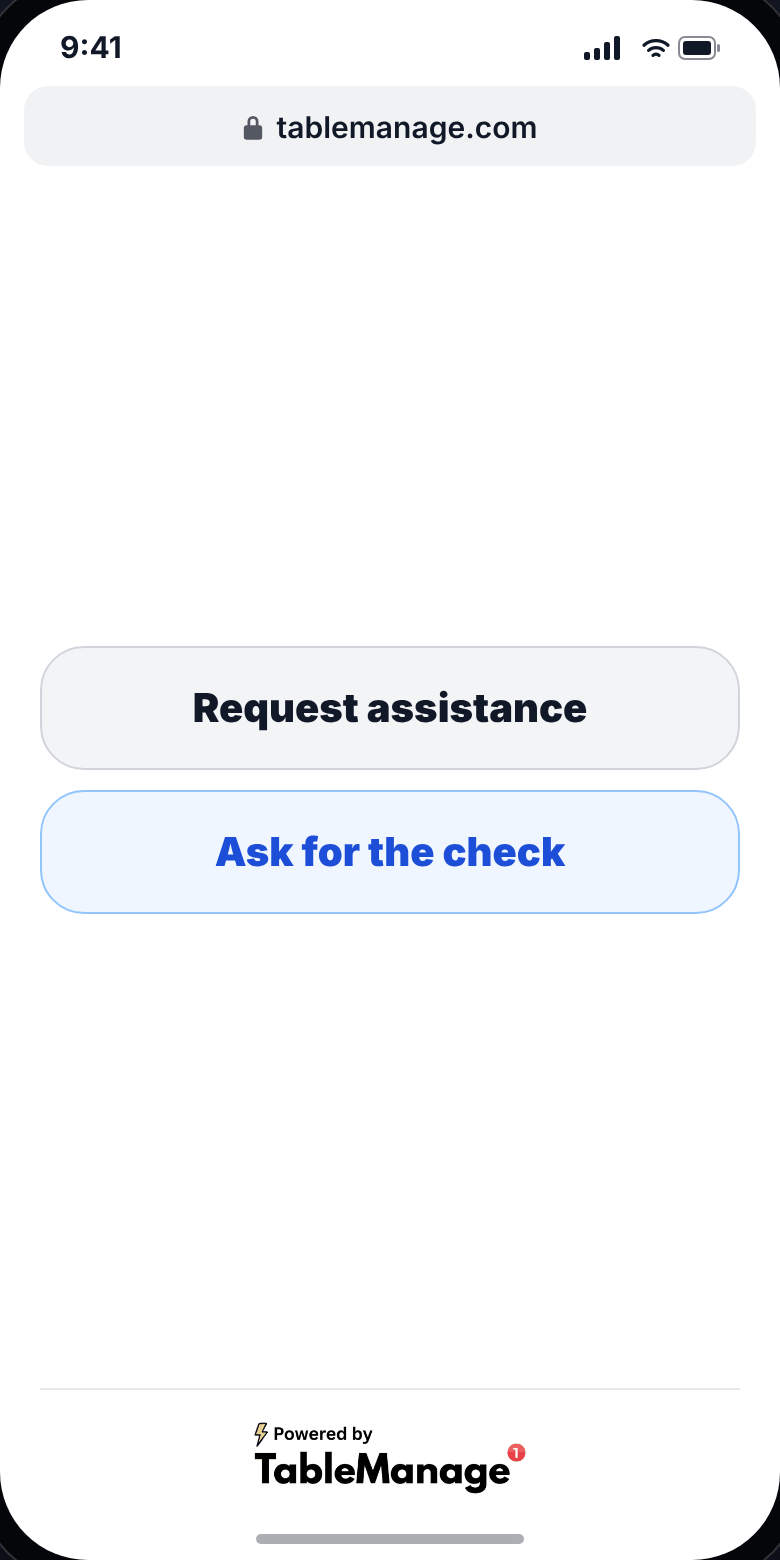
Step 3
Your staff is notified.
When a customer sends a request, staff will be notified by the blinking table.
Customize your layout.
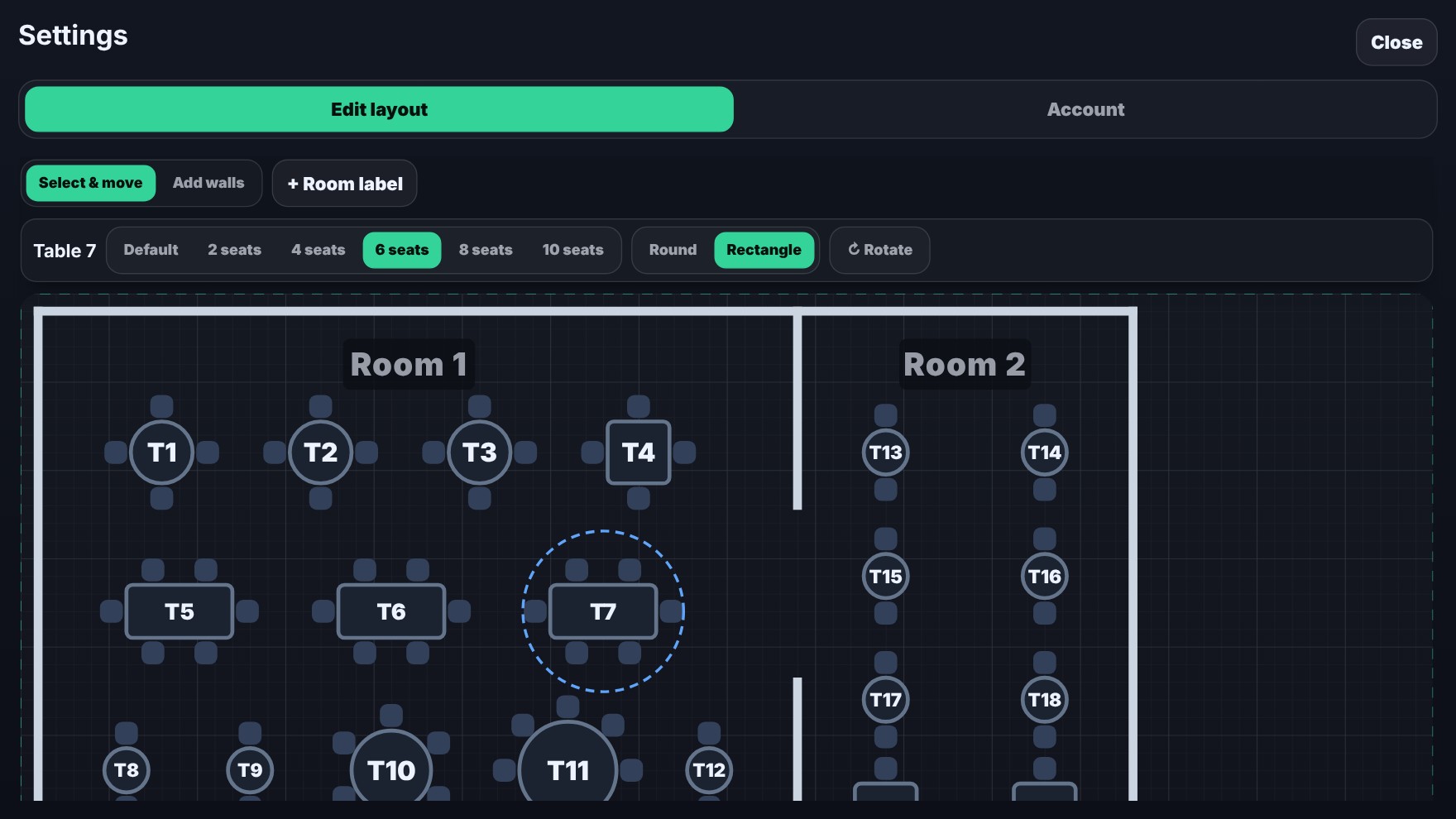
Edit layout in Settings
Drag around and rotate tables. Set number of seats and table shape, and add walls and room labels.
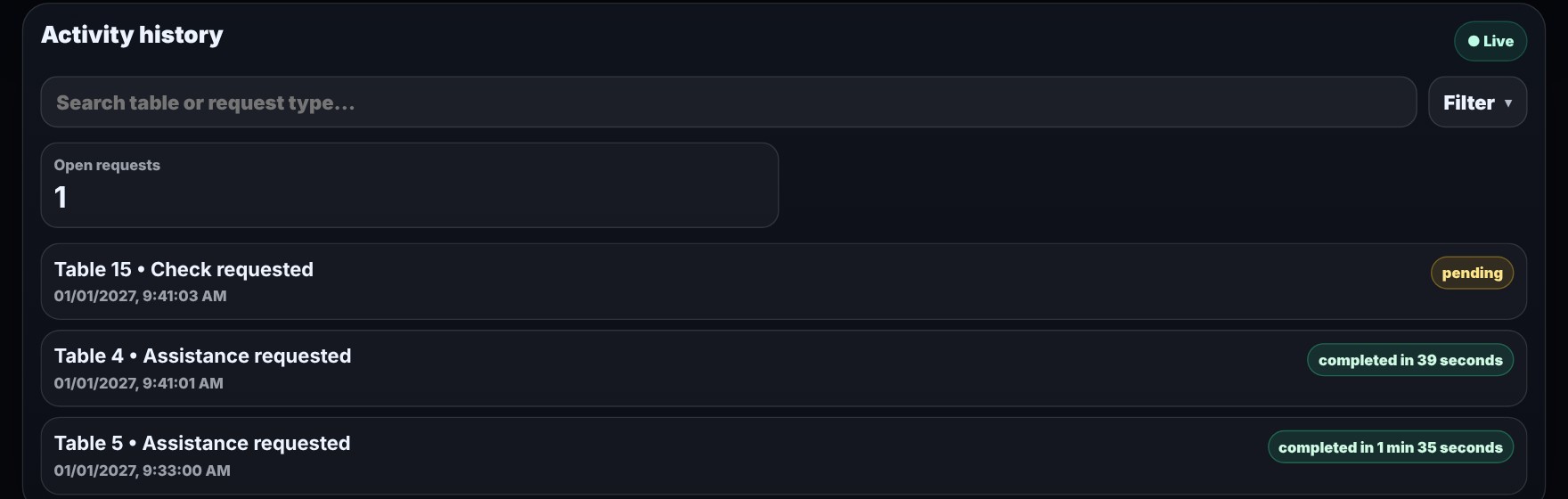
View Activity History
Activity history shows when each request came in and how long it took your team to complete it.
Your Dashboard
Sign up takes a few minutes. We pair each NFC tag and ship them to you.
Pricing
Loading pricing
Frequently asked questions
Still have a question? Reach out using the contact below.
Do guests need to install an app or create an account?
No. The tag or QR code at the table opens the guest page in the phone's browser.
What can a guest ask for?
A guest can call a waiter or request the check. Staff see which table sent each request.
How much does it cost, and is there a trial?
The pricing section above shows the current plan, its price and the trial length.
Do I need a card to start?
A card is collected at checkout when you start your trial.
Which browsers are supported?
TableManage supports Safari 16.4+, Chrome 111+, Firefox 128+. Other browsers see a notice that names these versions.